Store and doubloons
The store currency, the in-game storefronts it buys from, and drop parties.
Doubloons are the store currency. They are separate from every grind balance. Besides the store, the week's top grinders win them in the Weekly Payouts.
Check yours with /doubloons. They can also change hands player to player, through direct trade or an auction listing.
#The store
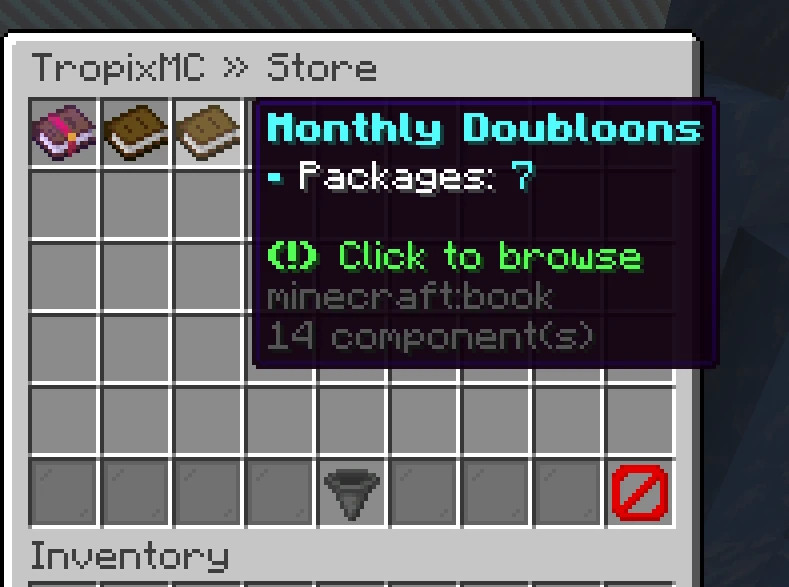
/store (also /buy) opens the store menu. Its tabs down the left are Home, a tab for each storefront category and Real Money. A strip across the top of every page holds a search button, your doubloons, your Cart (with how many lines are in it) and Get Doubloons, which takes you to the doubloon packs.
- Home shows the featured products, the best sellers of the last month and a tile for each category.
- The categories are Seasonal, Little Sets, Chat Style, Cosmetics, Pets, Perks, Cards, Bundles and Other. A category with nothing in it is hidden. Seasonal is restocked every month: its keys leave the store when the month ends, and its banner counts down the days left.
- A category lists everything in it as cards, sorted by Popular, Price or Newest. Tags on a card mark a sale (the percent off, with the old price struck through), a best seller (HOT), something added in the last few days (NEW) and anything staff mark LIMITED.
- Search finds a product by any part of its name, in doubloons and real money alike.
Click a card to open its page: what it is, what a bundle or pack holds, quantity presets or an amount you type, the total against your doubloons, and Buy. If you are short, the button turns red, says how many doubloons you are missing, and offers Get Doubloons. What happened shows in a banner across the top of the page.
Everything the storefront blocks sell is in the menu, so you can buy it from anywhere. The menu always draws at the large size; on a small screen, scroll it.
Real Money is the webstore, inside the game. Pick a category, open a product, choose how many and add it to your cart. The Cart button changes quantities or removes lines, and Checkout gives you a link to finish paying in your browser (the same link also arrives in chat and, on Lunar Client, opens inside the game).
Purchases are announced network-wide and delivered automatically, wherever you are playing at the time. Some purchases also grant a rank; what a rank carries is listed in game, on the rank pages below.
#Ranks
/ranks opens the rank shop on the rank you would buy next. Every rank has a tab (down the left side, or across the top on a small or medium menu size): every rank you own carries a tick, and the ranks below yours are greyed out because you already have them. Rank NPCs around spawn open the same menu straight on their own rank.
A rank's page groups its perks by what they touch: storage, the economy, each grind, the commands it hands you, and the cosmetics. Hover a group to read every perk in it. What you would pay sits in a panel at the bottom of the page with your doubloons and the credit your rank gives, beside the Buy button. If you are short, the button turns red and says how many doubloons you are missing.
Ranks are bought with doubloons, and the ladder is credited. The ranks build on each other, so a higher one already contains everything the ranks below it give, and buying up from a rank you hold only costs the difference. Getting to a rank costs the same in total whichever route you took, in one buy or one rank at a time.
Buy opens a confirm that names the rank's price, the credit for the rank you hold, what you pay, and the balance you would be left with. Nothing is taken until you confirm.
#Storefronts
Around spawn you will find storefront blocks: physical displays that sell a crate key, a voucher, a card pack, a Flight Note, or a bundle of several for doubloons.
Right-click the block to open its page in the store menu.
Pick a quantity: presets, or a custom amount you type in.
The total updates live, and the Buy button tells you if you cannot afford it.
Buy, and what you bought arrives immediately.
There is no bulk discount, and no cap on quantity beyond what you can pay for. If your inventory is full, overflow drops at your feet rather than vanishing.
#Card packs
A card pack storefront sells a booster pack or a sealed pack bundle. Its menu shows the pack itself, the set it draws from and how many cards it holds, or for a bundle, the packs inside. Packs arrive sealed, so you open each one when you want to watch the reveal.
One order of packs has a ceiling. Go over it and you are told the most you can buy at once, and nothing is charged.
#Bundles
A bundle storefront hands over several crate keys, vouchers and card packs for one price. Its menu lists everything you get, counted for the quantity you picked, so buying three bundles shows three times each item.
When a bundle costs less than its contents would bought apart, a DISCOUNT line under the price, on the block and in the menu, shows the original price struck through and the percent you save. The menu also shows your total saving for the quantity you picked, and the purchase announcement names the percent off.
Storefront purchases are announced network-wide, and prices are read live at the moment you confirm, so a price changed while you were deciding is the price you pay.
#Drop parties
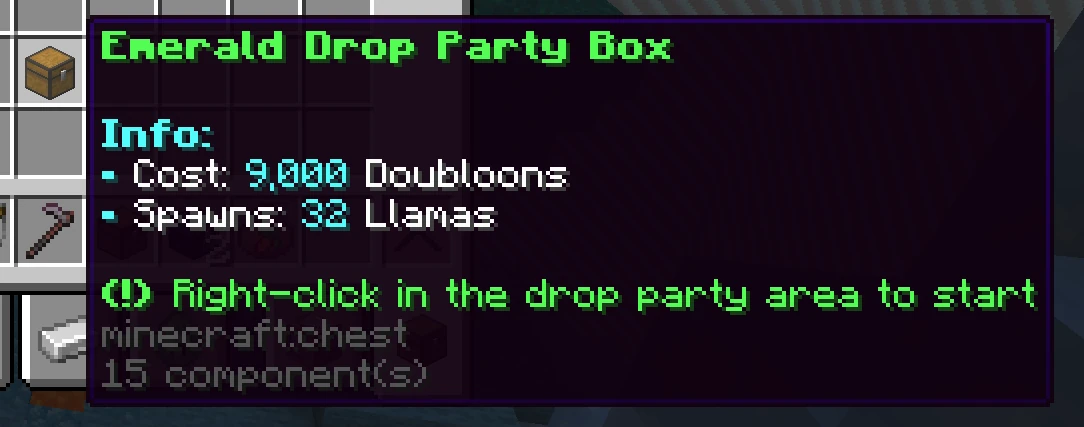
A drop party is a Piñata Party: a tiered box that anyone can set off in the right area. When one starts:
- The whole network is told, with a countdown, and which server it is on. A beacon stands where the box was opened.
/dropparty tptakes you there, from any server, including a click on the warp button in the announcement.- Mini piñatas drop out of the sky and hang over the arena. Every hit pays you loot, and a piñata that breaks spills candy on the floor. Grab the candy: each piece is more loot.
- Everyone in the arena is lent a Piñata Bat. Right-click it to jump, and when you land, every piñata near you takes a hit. It goes back when the party ends or you leave.
- When the last mini piñata breaks, King Piñata bursts out of it. He chases the crowd and knocks people flying, but never hurts anyone. Beat him before his timer runs out and everyone who hit him gets a jackpot, with extra for the three players who hit him most. If time runs out, he escapes and nobody gets one.
The bigger the box's tier, the more piñatas, the tougher King Piñata, and the bigger the show. The Piñata Party skins only come from King Piñata's top three. Only one drop party can run on the network at a time.
Every part of the show (titles, sounds, confetti, the night sky over the arena, the boss bar, screen shake, fireworks) has its own switch in /settings.