Crates
Three kinds of crate, every reward and its odds shown up front, keys as real items.
Crates are reward boxes. Some are blocks around spawn, opened with a key; some are items you carry and open anywhere. Nothing about a crate is hidden: the preview always shows what is inside before you spend anything.
- Right click
- Open the crate.
- Shift + right click
- Open with no animation.
- Left click
- Preview the rewards.
/crates preview <crate>- Preview from anywhere.
/crates timer- Time until each cycling crate rolls a new lineup.
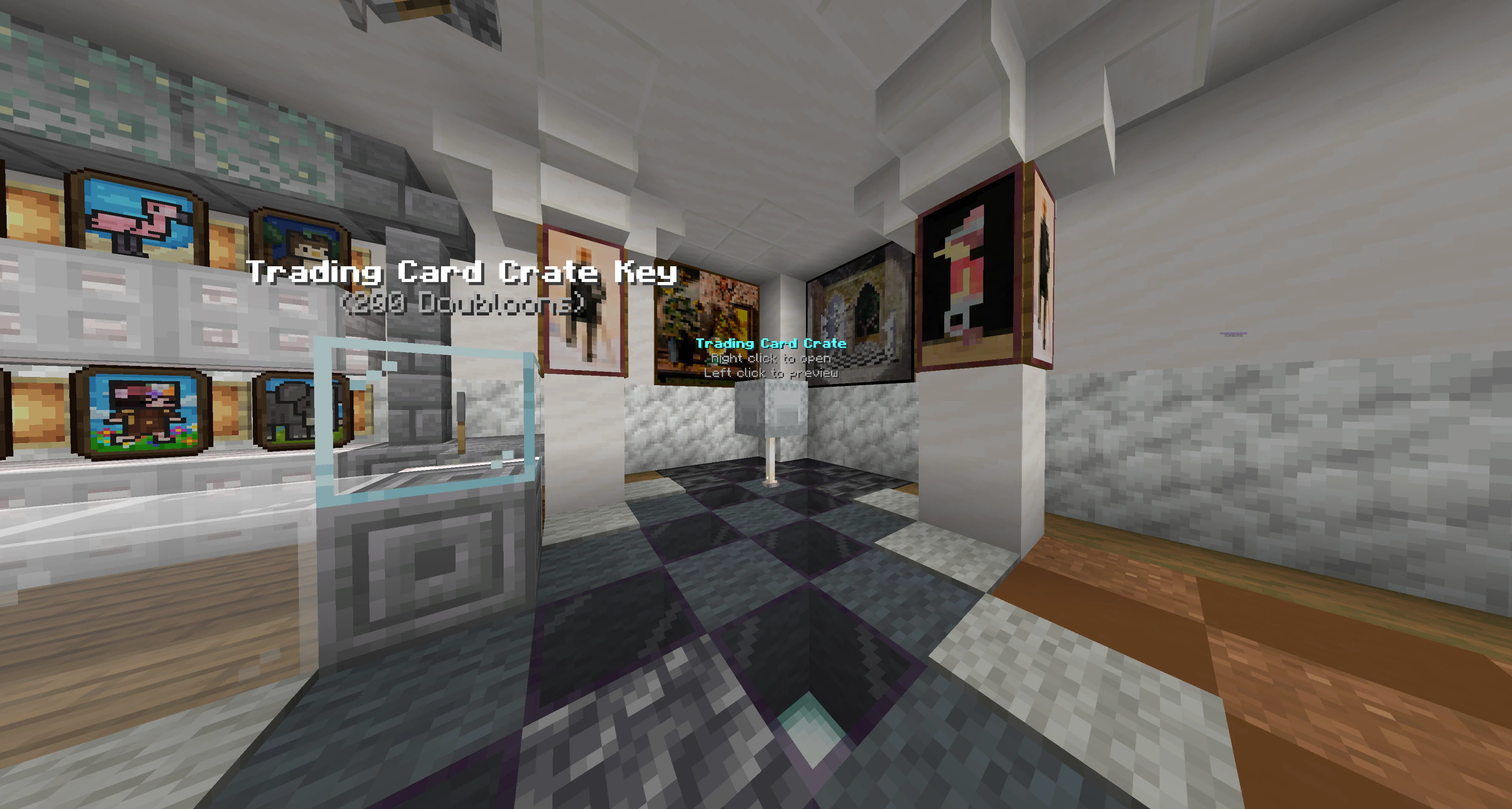
For a crate block, click the block; the key can sit anywhere in your inventory. /warp crates takes you to them. For a crate item, hold it and click.
Clicking a key on its own does nothing. Keys are spent on the block.
#Keys
Keys are real items. They stack, they can be stored, and they can be traded to other players. Each key belongs to exactly one crate and will not open another.
Hover a key and its tooltip lists what its crate is stocked with right now, so you can read the prize list without walking to the block. The rarest prizes head the list, and long tables are cut short with a count of what did not fit; the preview shows the lot.
If staff ever reset a crate's rewards, every key, voucher, card and pack it handed out before the reset stops working. It is removed the next time you try to use it or log in, with a message saying why, and anything won or bought after the reset is unaffected.
A crate item is its own key. Opening one uses up the crate item you are holding and asks for nothing else, so a crate you were handed is always ready to open. Keys are for the crate blocks, which have nothing to consume.
Trying to open a crate you cannot pay for costs you nothing, and tells you what you need.
#The three kinds
#Random
The classic. Every reward has a weight and opening rolls against all of them. The preview prints each reward's real chance, with extra decimal places on the rare ones so nothing rounds away to zero.
Some random crates roll more than once. Most hand over a single reward, but a crate can be set to pull several from the same table, and the preview's info book says how many. The rolls are independent: the odds beside each reward are the odds of one roll, and the same prize can come up twice in a single open.
#Cycling
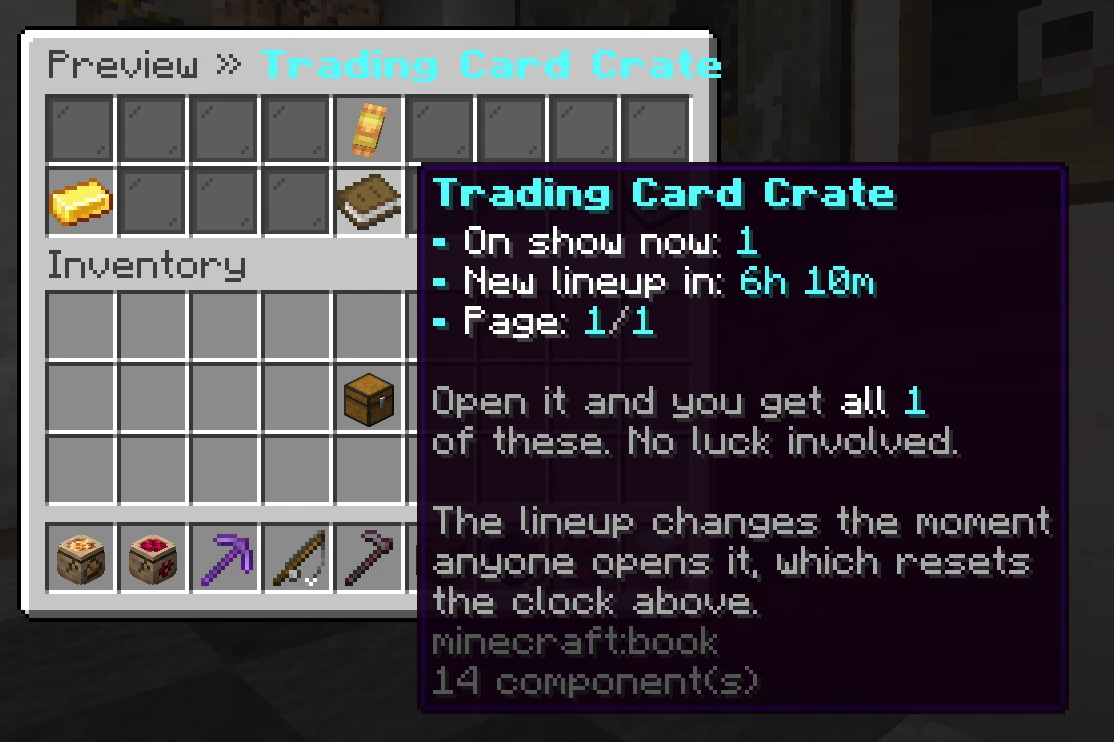
No luck and no choosing: a cycling crate shows a small lineup, and opening it gives you every item on that lineup.
The catch is that the lineup changes. The moment anyone on the network opens that crate, it rolls a fresh lineup, and it also rolls one on its own periodically if nobody touches it.
So it is a timing game: watch the board, and open when you like what is on it.
The clock is visible. The preview's info book shows how long until the crate rolls a new lineup by itself, and /crates timer prints the same countdown for every cycling crate at once. When a crate does roll one, the whole network is told what landed on the new board. You can turn that announcement off in /settings.
It counts down to the crate's own roll, and an open resets it. Somebody opening the crate puts a new lineup up straight away, so a board you like can be gone well before the clock runs out. Treat the timer as the longest a board can last, not as how long you have. ::: All Rewards shows the full pool and how often each entry appears on a board, which is a frequency of being offered, not a chance of winning. Entries marked Event Only are the exception: they never appear on a board on their own, and quote no frequency at all. See below.
#Pick Item
Every reward is shown face up and you choose one. You confirm your choice before anything is spent, so a misclick costs nothing. The confirm button says exactly what it is about to take. No percentages are shown because there is nothing to roll.
#Vote Party Boxes
Vote parties award tradable boxes to players who claim during their party window. These boxes make several independent reward rolls, so a prize can appear more than once. Their preview explains the roll count and shows the odds per roll.
Opening a Vote Party Box sends a present into the air in front of you. It shakes, then bursts into fireworks and a confetti shower, and the prizes rise out of it on a turning ring with their names above them. At the end the ring holds for a beat and the rewards streak into you one by one. Shift-right-click skips the show, and the crate animation preference in /settings also applies.
#Opening a crate block
Opening a block crate is a show: the rewards burst out, orbit above the crate, flicker through everything the crate could hold, then slow down and settle. Each orbiting item carries its name above it, so you can read what is going past.
The flicker stops as the ring begins to slow, and that is when your reward is decided and visible. Everything after that is coasting. When it stops you get fireworks, the label above the crate flips to your prize, and there is a pause so everyone watching can see it before it flies to you.
If the crate gives one reward, that reward slides into the middle above the crate and grows while the rest fade. The other items were never candidates; your reward was decided the moment you opened. If it gives several, they stay where they landed on the ring and the rest fade around them, so you can read the whole haul at once.
A crate item puts on the same show a few blocks in front of you, in the direction you are facing. If you open one up against a wall there is no room for the ring, so the rewards go straight into your inventory instead.
#Skipping the show
Hold shift as you right click and the crate opens with no animation at all. Same odds, same cost, same reward, straight into your inventory. It is per click rather than a mode, so there is nothing to switch back afterwards, and it is the fast way through a stack of keys.
Shift clicking also walks straight past a busy crate. A crate is only busy because a ring is already turning on it, and a skipped open has no ring, so nobody waiting to open a crate at spawn ever has to wait.
If you would rather never see the animation, /settings has a standing choice of the full spin, a shorter one, or no animation at all.
#Limits
Some rewards are deliberately scarce, and the preview says so:
- A server-wide limit: only so many will ever be handed out across the network.
- A per player limit: you can only win it so many times.
- Either can reset daily, weekly, or never.
If you roll a reward that has run out, the crate rolls again rather than giving you nothing. On a Pick Item crate, choosing a sold-out reward refunds you.
#Crate events
Cycling crates run events: once a day, for a short window, an extra reward drops onto the board and the whole network is told. Only the first player to open that crate anywhere takes it, and if nobody does before the window closes, it disappears.
What makes an event worth racing for is that its rewards exist nowhere else. An event reward is never in a lineup, never in a roll, and never in a pick menu. The event window is the only way one is ever handed out, and only one player gets it.
You can still see them coming. The All Rewards view lists a crate's event rewards alongside the rest, marked Event Only and with no odds beside them, because there are no odds to give: no amount of opening will produce one. They are there so you know what a crate's events are worth watching for.
A crate with no event rewards of its own never runs an event.
#Announcements
Certain rewards announce to everyone when they are won, no matter which server the winner is on. Event wins always announce, both when the event starts and when someone takes it. A cycling crate rolling a new lineup announces too, with how many rewards are on the new board.
Each of those is a separate switch in /settings, so you can keep the ones you want.
#Rank boxes
Some ranks come with a crate you can take again on a repeating cooldown, and so does boosting the Discord. /claim opens the list of everything you are entitled to, showing what is ready now and how long is left on the rest. /claim <name> takes one straight away, and the panel that greets you on login carries a row when something is waiting.
The cooldown restarts the moment you claim, so there is no backlog to build up: skipping a few months still gets you one box, not several. Claiming works from any server, and taking a box on two at once is not possible.
Rank boxes hand you the crate itself, as an item: open it whenever you like, or hold onto it. The booster claim hands you a key instead, for the nitro crate.
#Every crate, live
These pages are generated from the server itself, so they list the crates that exist right now with their real reward tables. A crate added in game appears here without anyone editing the wiki.
#Next
- Store Where most keys are bought.
- Trading cards Booster packs come out of crates.
- Skins What a lot of crate vouchers turn into.
- Loot pouches The farming equivalent.
- Island perks What the island perk crate holds, and where it goes.
- Mine perks What the mine perk crate holds, and where it goes.